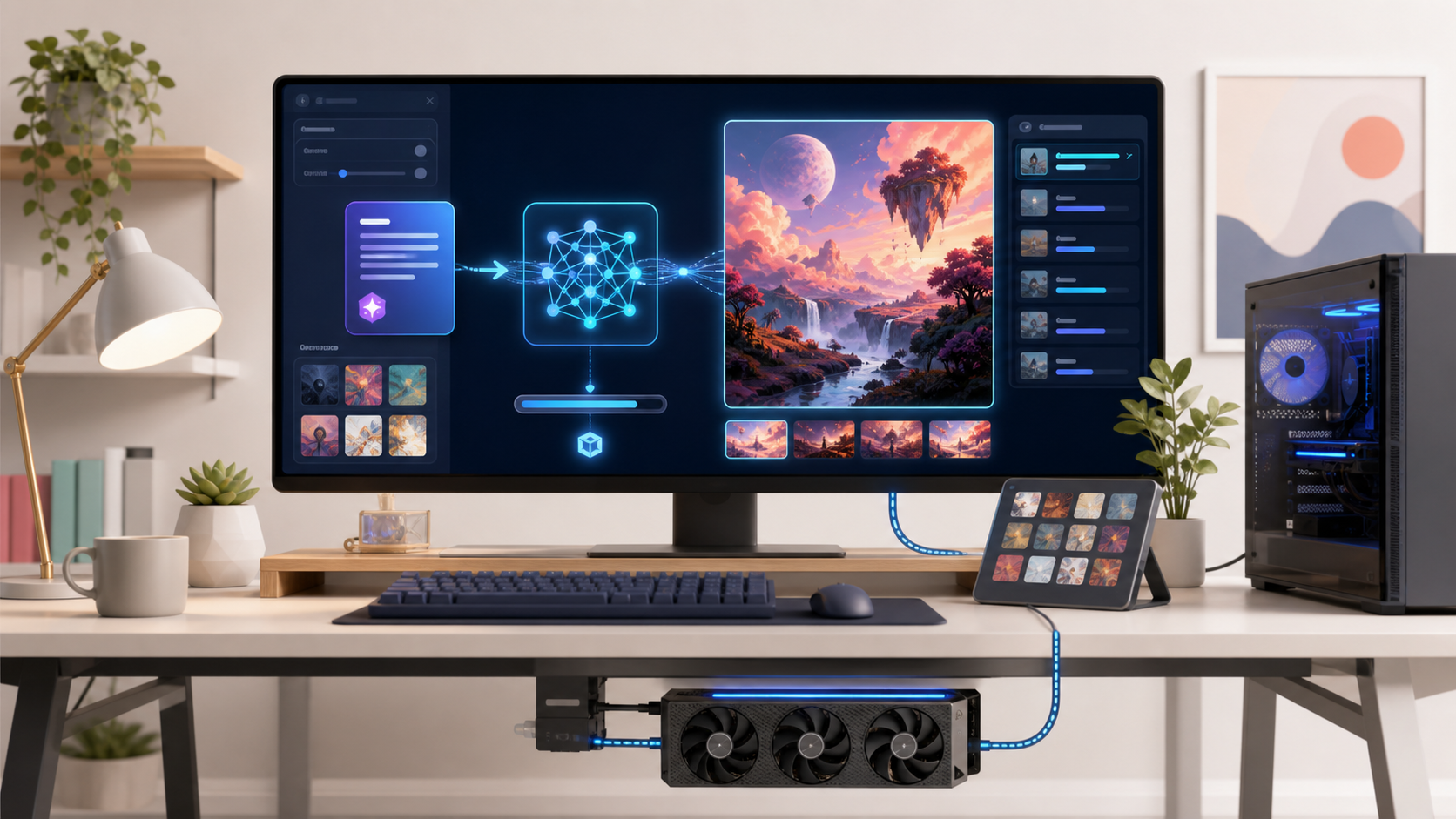
Local image generation can involve Python environments, GPU drivers, model files, and unfamiliar command-line options. Easy Diffusion packages those pieces into an installer and browser-based interface intended for people who want to create images without assembling the entire stack themselves.
What it provides
The project includes text-to-image and image-to-image workflows, live previews, prompt queues, image modifiers, model detection, and local saving. Its current engine supports a range of model families beyond the project’s original Stable Diffusion focus, but model compatibility and hardware needs vary.
Hardware expectations
The official repository lists Windows, Linux, and Mac options, a minimum of 8 GB system memory, and substantial disk space for the application and models. GPU acceleration is strongly preferable. CPU generation may work but can be slow, while newer or larger models may require considerably more graphics memory than the minimum installation requirement.
Why run locally?
Generated inputs and outputs can remain on your computer.
You can experiment with compatible model checkpoints and settings.
There is no per-image cloud charge after hardware and electricity costs.
Queued generation can continue without repeatedly uploading source images.
Safe model use
Download model files only from trusted sources. Review model licenses and scan unfamiliar downloads. Generated images can still reproduce biases, artifacts, or recognizable protected material, so inspect them before publication and avoid deceptive or non-consensual imagery.
Getting started
Use the installers and current requirements from the official Easy Diffusion repository. Begin with a supported default model at a modest resolution. Once the basic workflow is stable, experiment with seeds, guidance, image-to-image strength, and additional models one variable at a time.
Video reference: Watch the Easy Diffusion segment from 12:16.