You photograph a receipt, crop the table away, and send the image. The visible result contains only the paper—but the file may still contain the phone model, capture time, camera settings, and precise GPS coordinates. At the same time, the document itself may be skewed, shadowed, or too soft to read.
This creates a useful distinction: making an image look clean is not the same as making its file private.
A photograph has two layers
The first layer is visible pixels. It includes the page, background, glare, fingers, and everything the camera captured. The second layer is metadata, commonly stored as EXIF fields. Cropping may change the pixels without reliably removing all metadata.
Before sharing a sensitive photo, the OpenToolkit Image Privacy Cleaner can create a new copy without common EXIF, camera, and GPS metadata. This reduces accidental disclosure, although anything visibly printed or reflected in the picture still needs separate attention.
Why a scan feels more trustworthy than a photo
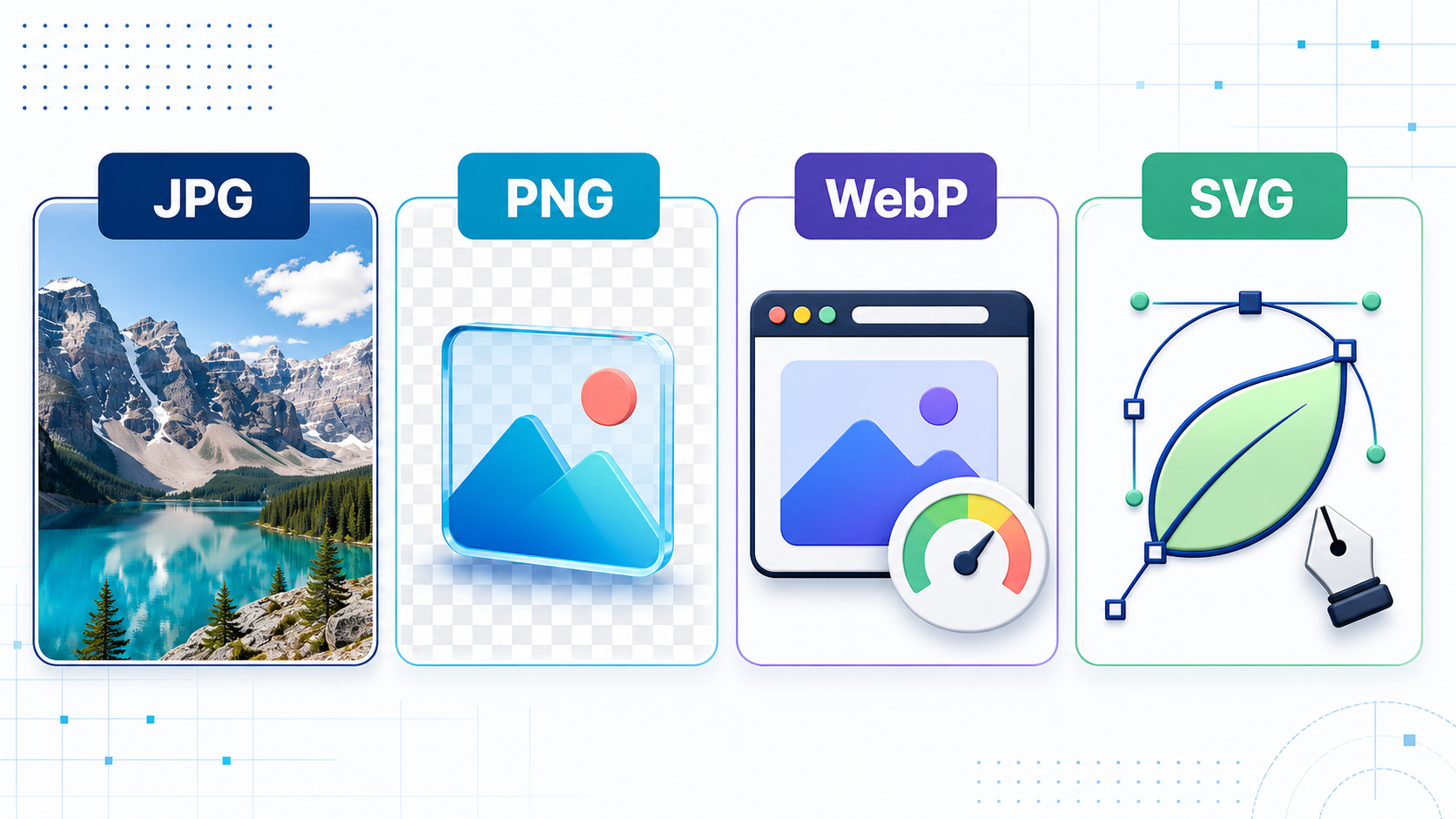
A readable document needs consistent geometry and contrast. Perspective can make parallel edges converge, uneven light can hide faint writing, and an oversized background wastes space. The OpenToolkit Document Scanner helps capture pages and export them as JPG, PNG, or PDF.
Good capture still begins before software: place the page on a contrasting surface, use diffuse light, hold the camera parallel, and check the smallest text before discarding the paper.
A safer sharing checklist
Ask whether the recipient needs the entire document.
Remove unrelated objects from the visible frame.
Scan squarely and inspect focus, shadows, and glare.
Remove metadata from the delivery copy.
Open the final file and verify every page.
Use an appropriate private channel and retention period.
Metadata removal is not anonymity, and a polished scan is not proof that a document is authentic. Still, separating visible quality from hidden privacy creates a much safer habit: scan for readability, clean for privacy, and share only what the recipient actually needs.